
What is Strikethrough Text Generator?
It adds lines to your text, so you can cross it out, slash it, underline it, or give it a dotted or wavy line. Just type, pick an effect, and copy.
How to Use Strikethrough Text Generator?
-
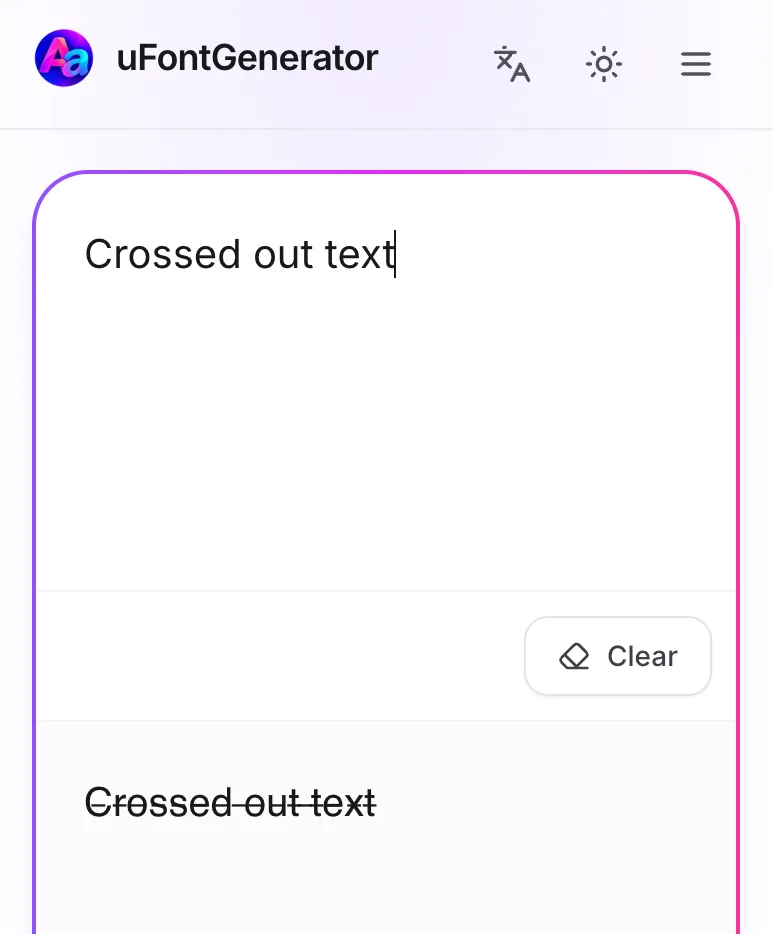
Type or Paste Your Text
Type or paste the text you want to change.
-
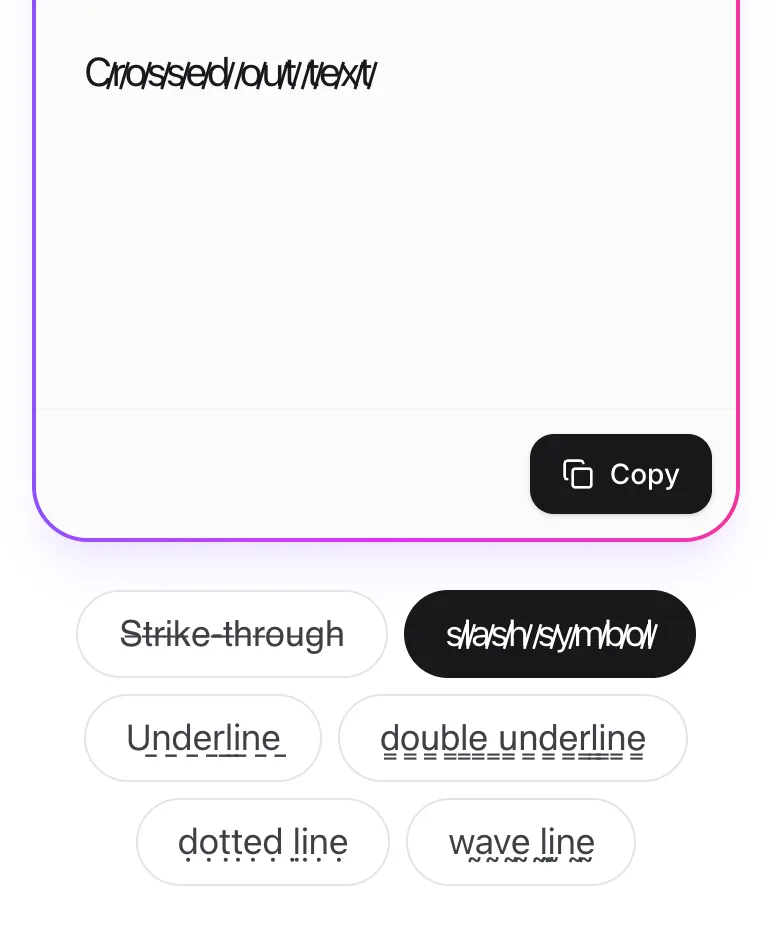
Choose Your Effect
Pick an effect under the text box: strike-through, slash, underline, double underline, dotted line, or wave line.
-
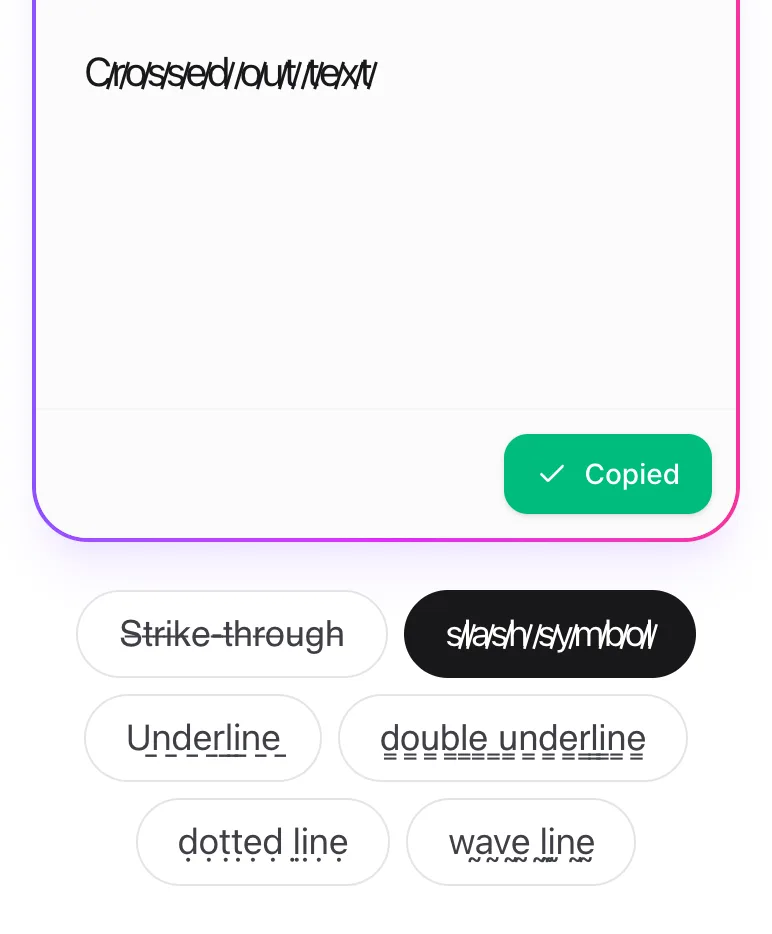
Copy Your Text
When it looks right, tap Copy.
Where Can You Use This Text?
Almost anywhere: social media profiles and posts, games, chats, emails, and documents.
How Does It Work?
It adds a special Unicode line after each letter, and your device draws that line through, over, or under the letter.