
What is the Font Generator for Twitter?
It turns your text into different styles using Unicode characters. Copy any style below and use it in your tweets, replies, or profile.
How to Use the Font Generator for Twitter
-
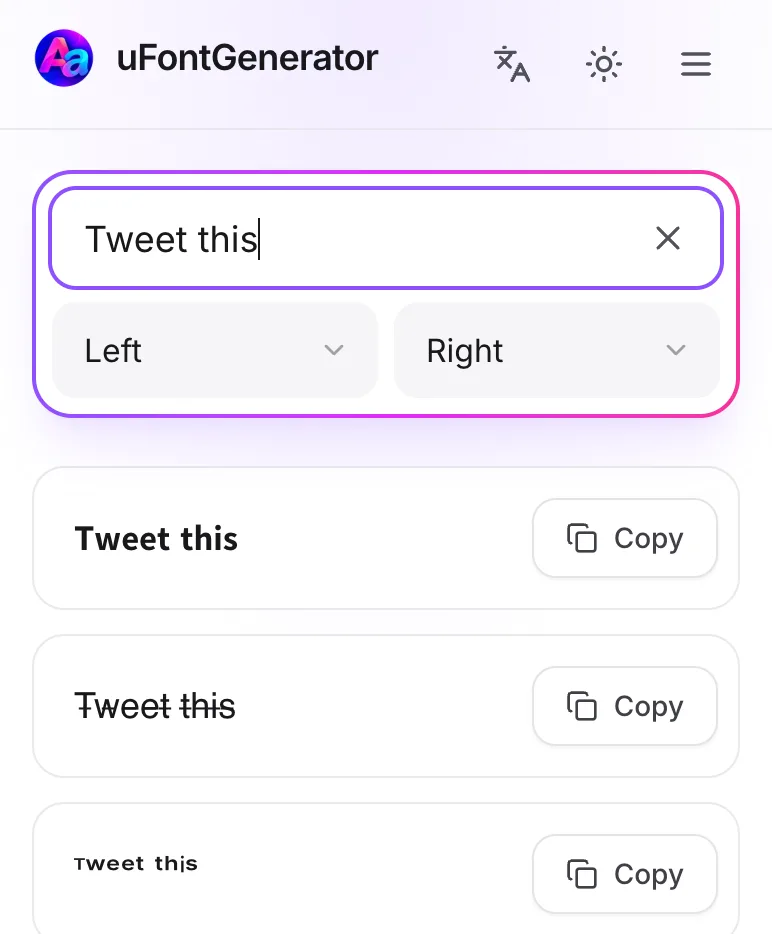
Input Your Text
Type what you want to tweet in the box.
-
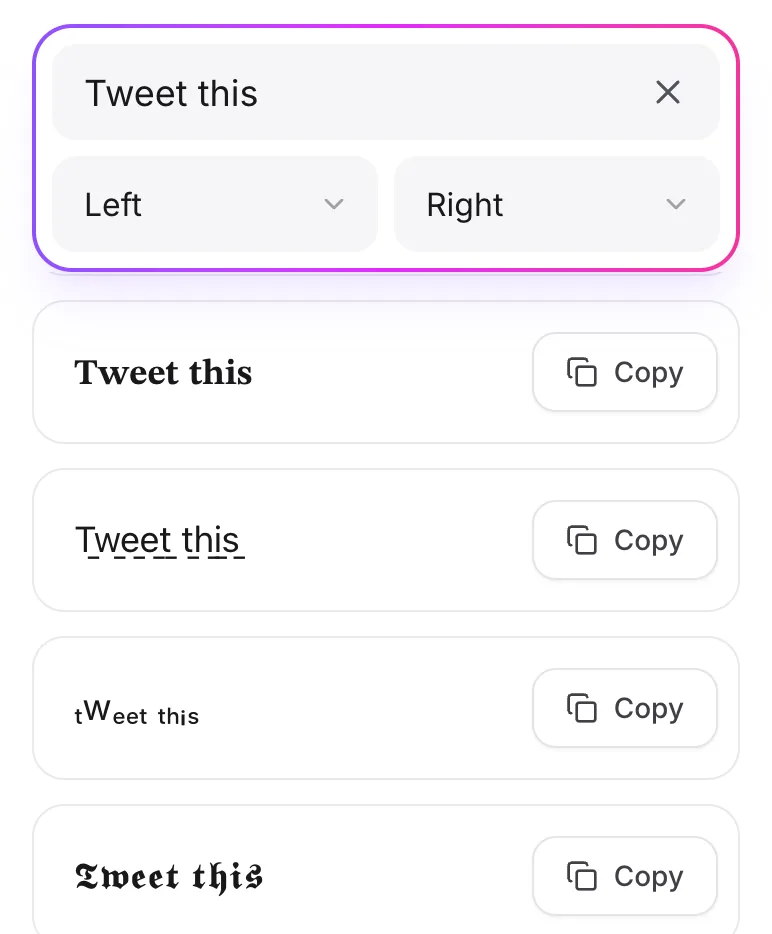
Select Your Style
Pick a style you like and tap Copy.
-
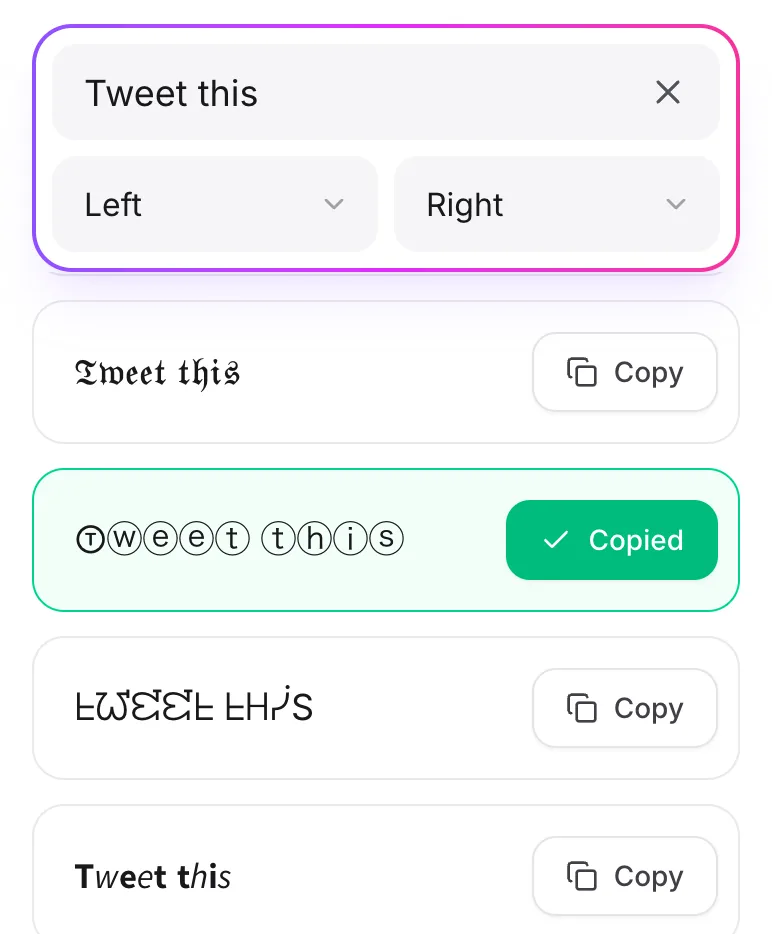
Copy And Paste
Paste it into a tweet, a reply, or your bio.
Why Mix Up Fonts on Twitter?
- Stand-Out Bio: A styled bio helps people remember you.
- Eye-Catching Tweets: Unusual text makes people stop scrolling.
- Replies: Your reply stands out in a long thread.
- Creative Use: Add emojis or symbols for an even more unique look.
It's plain Unicode text, so it works anywhere you can type, not just on Twitter.