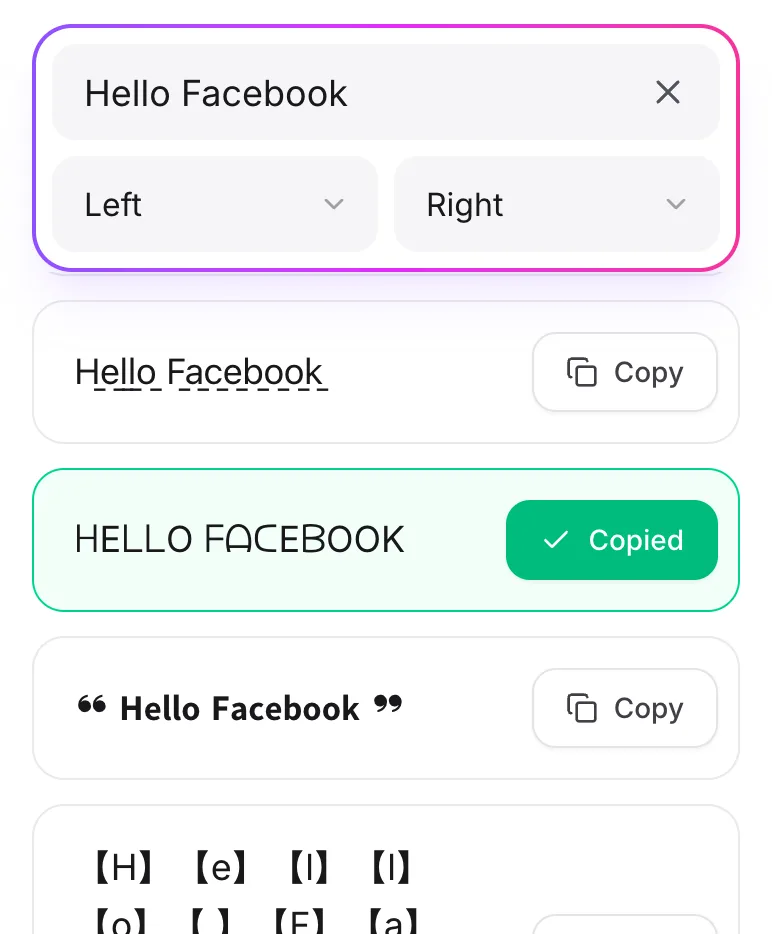
What Is the Font Generator for Facebook?
Facebook only gives you one plain font. With this tool, you can write status updates, comments, and your bio in bold, cursive, bubble, and many other styles. It uses Unicode characters, so it works just like normal text.
How To Use The Font Generator for Facebook?
-
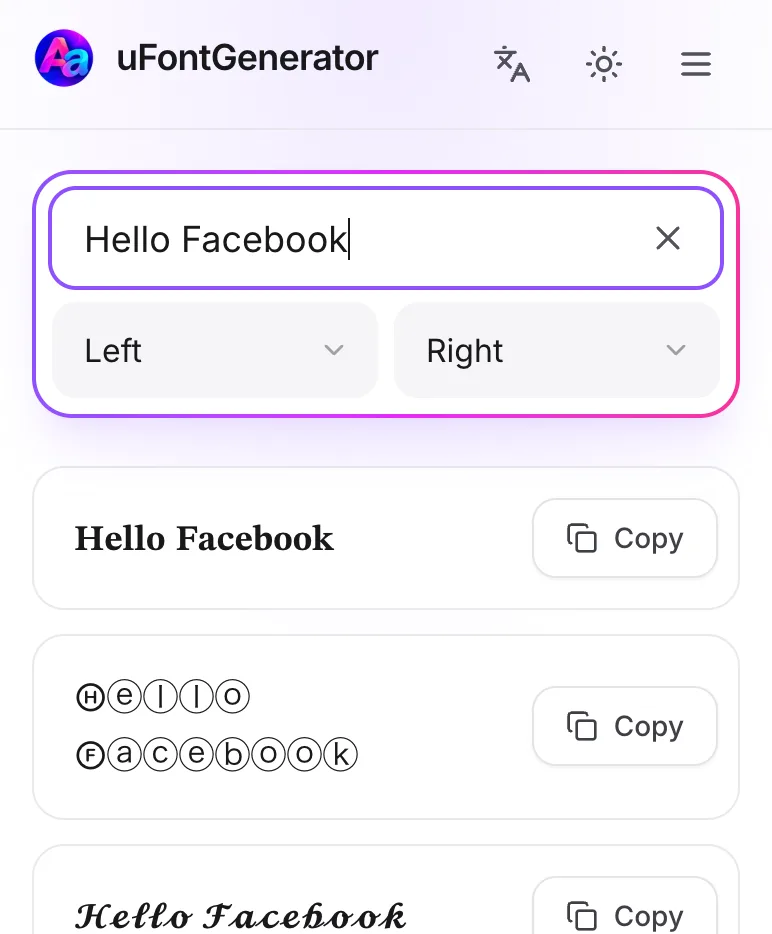
Enter Your Text
Type your message in the box.
-
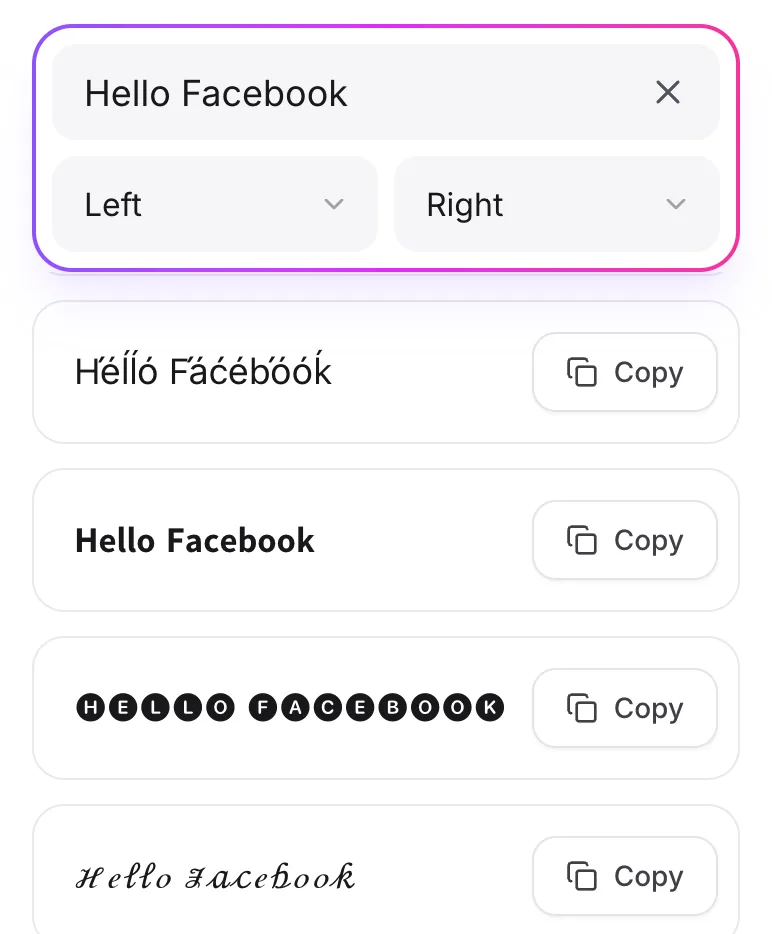
Choose Your Style
Look through the styles and find one that fits.
-
Copy and Paste
Tap Copy and paste the text into a post, a comment, or your bio.