
How to Post Italic Text on Social Media Platforms?
Most social apps, like Facebook, Twitter, and Instagram, don't have an italic button. This tool gets around that by turning your text into italic Unicode characters you can copy and paste.
How to Use Italic Text Generator?
-
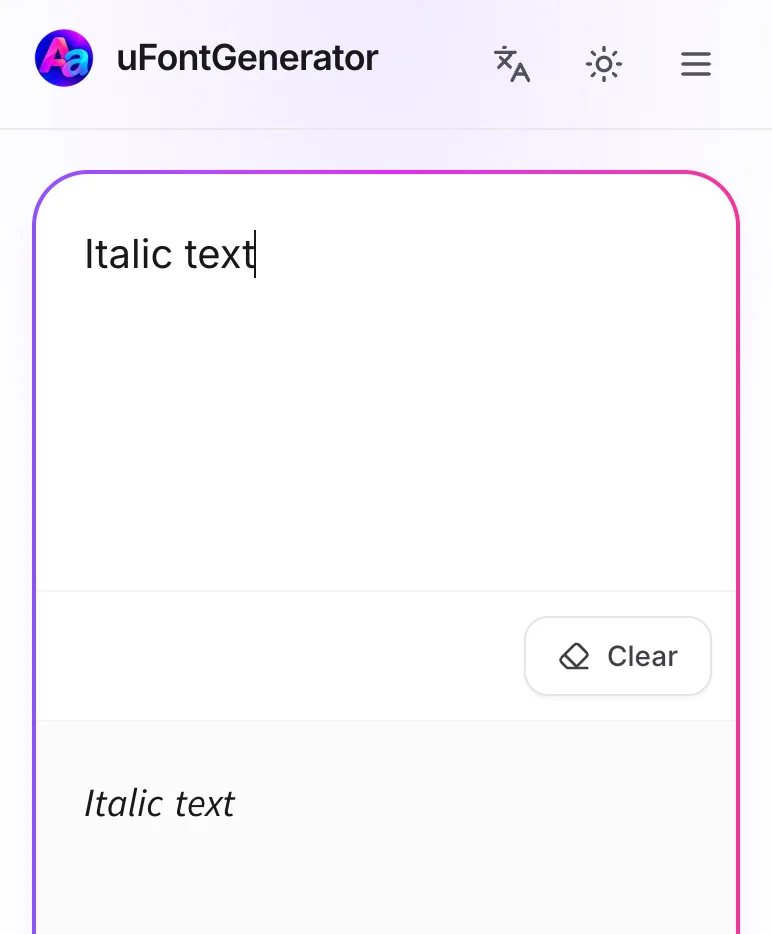
Input Your Text
Type your message into the text box.
-
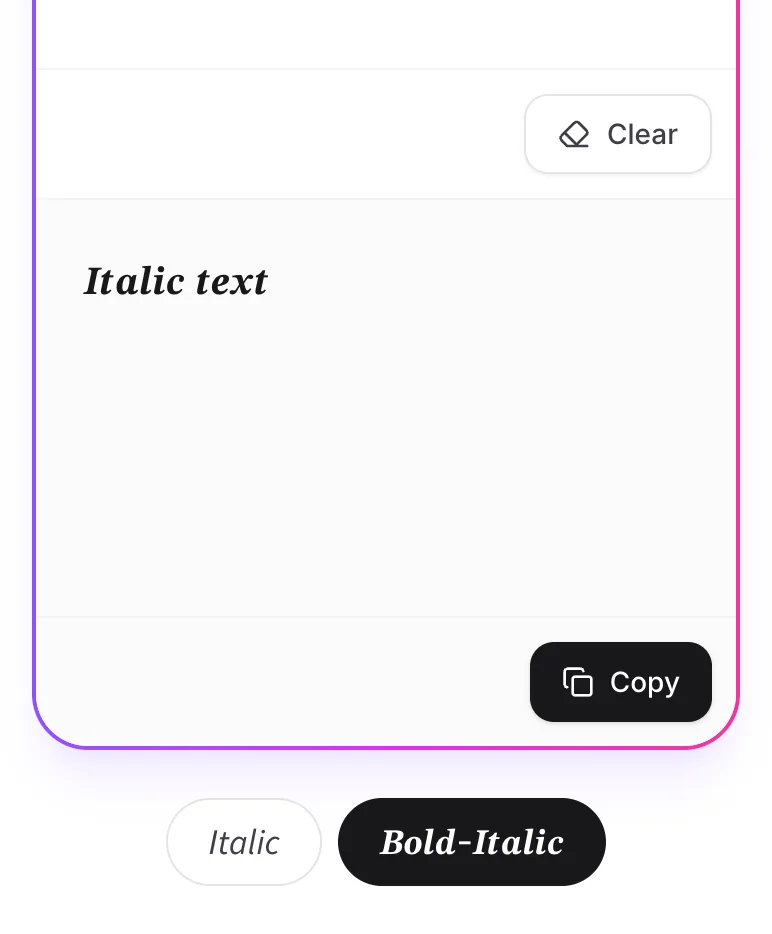
Copy Your Italic Text
Choose Italic or Bold-Italic, then tap Copy.
-
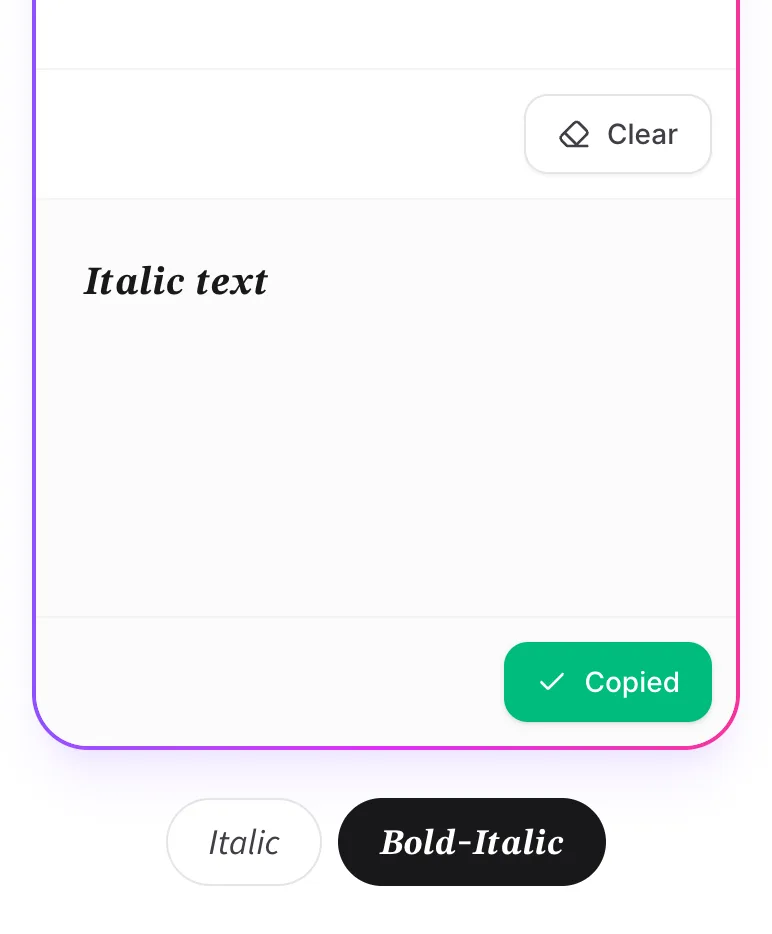
Paste on Social Media
Open your app, start a post or comment, and paste the text.
What Is Italic Text?
Italic text leans to the right and is often used for emphasis. The italic text here isn't a real font. It's made of special characters that look slanted.
Where Can You Post Italic Text?
Pretty much anywhere you can type: social media, emails, documents, and text messages.