What Is Bold Text Generator?
It makes bold text from special Unicode characters that look bold. No real font change is involved, so you can copy the bold text and paste it almost anywhere.
How Do You Use the Bold Text Generator?
-
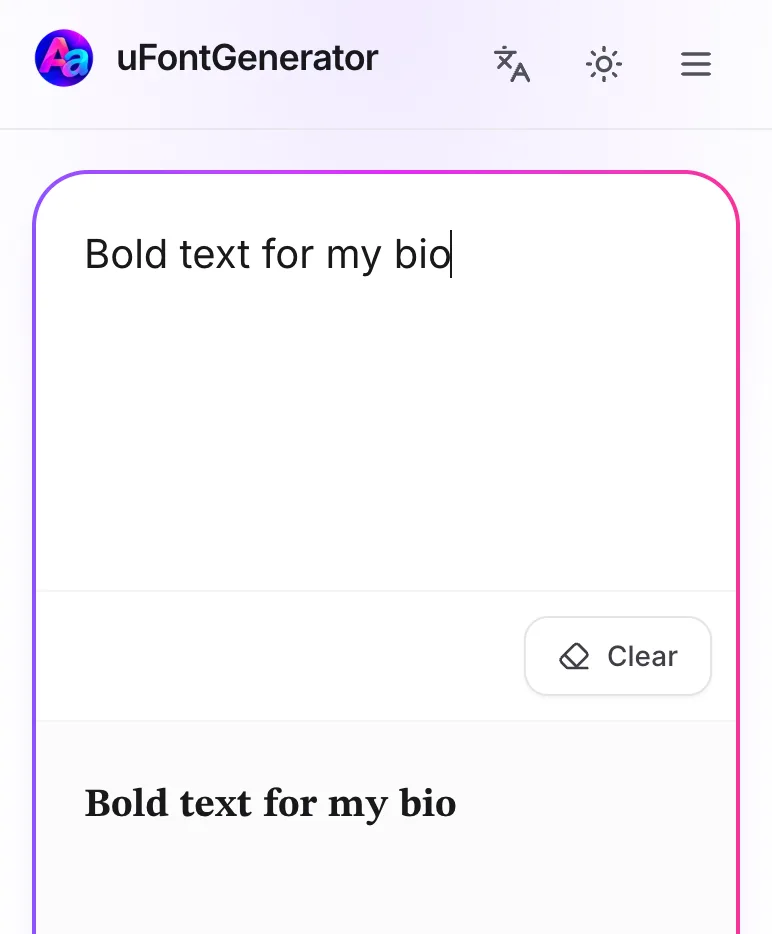
Input Your Text
Type or paste your text into the box.
-
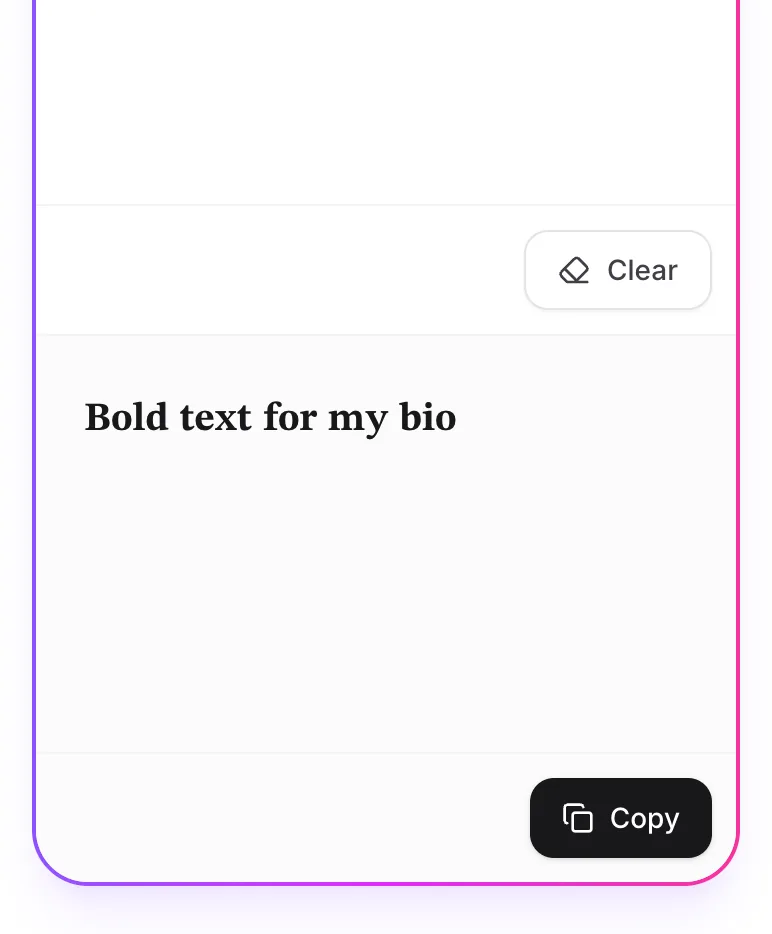
Convert to Bold
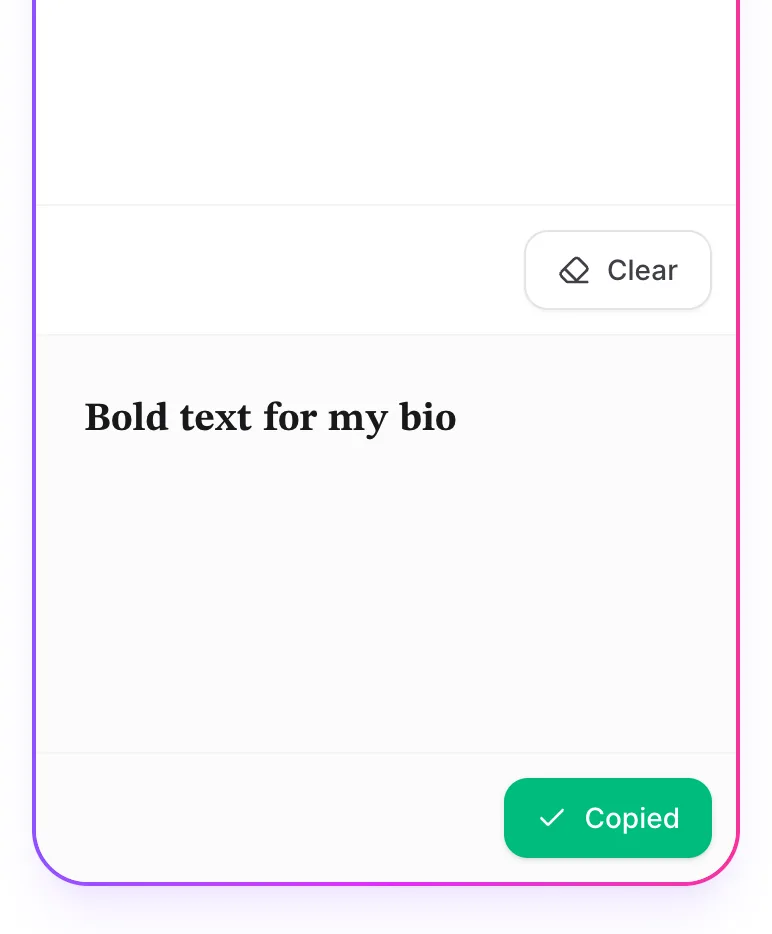
Your bold text appears right away. Tap Copy to grab it.
-
Paste Anywhere
Paste it into your bio, a post, a comment, or anywhere else.