
What is Font Generator?
Our font generator turns plain text into fancy fonts you can copy and paste anywhere. Pick from more than 250 styles for Instagram, Facebook, Twitter, Discord, Telegram, or your gamer name. There's nothing to install. Just type, copy, and paste.
How Do You Use the Font Generator?
-
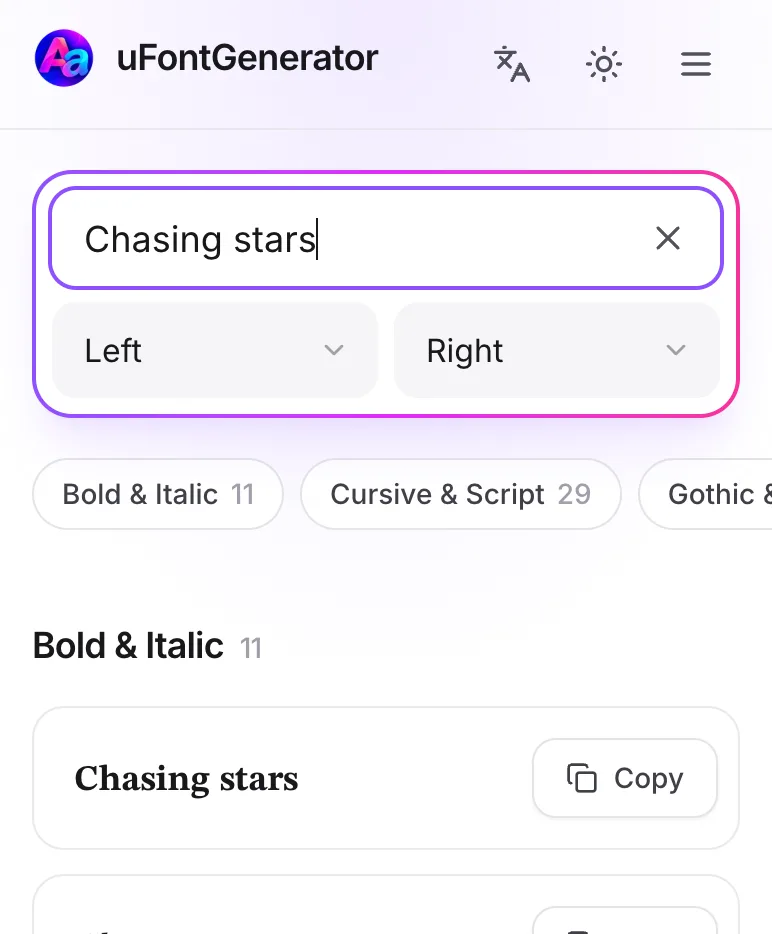
Add Text
Type or paste your text into the box. Want some extra flair? Pick a decoration from the Left and Right menus.
-
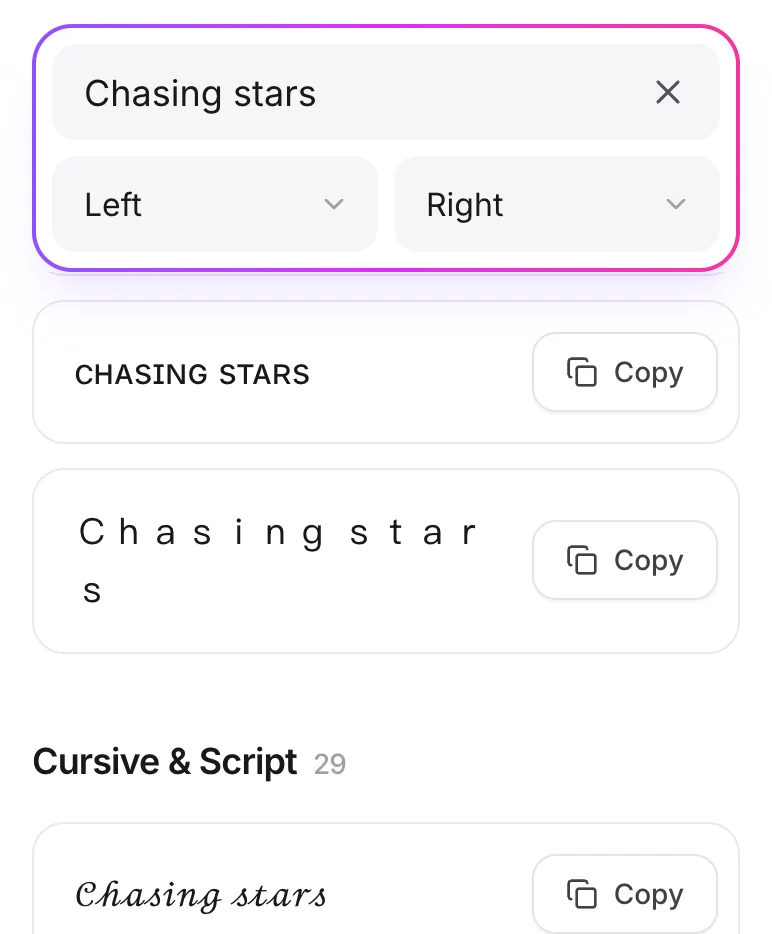
Find Fonts
Scroll through the styles, or tap a category to jump straight to it.
-
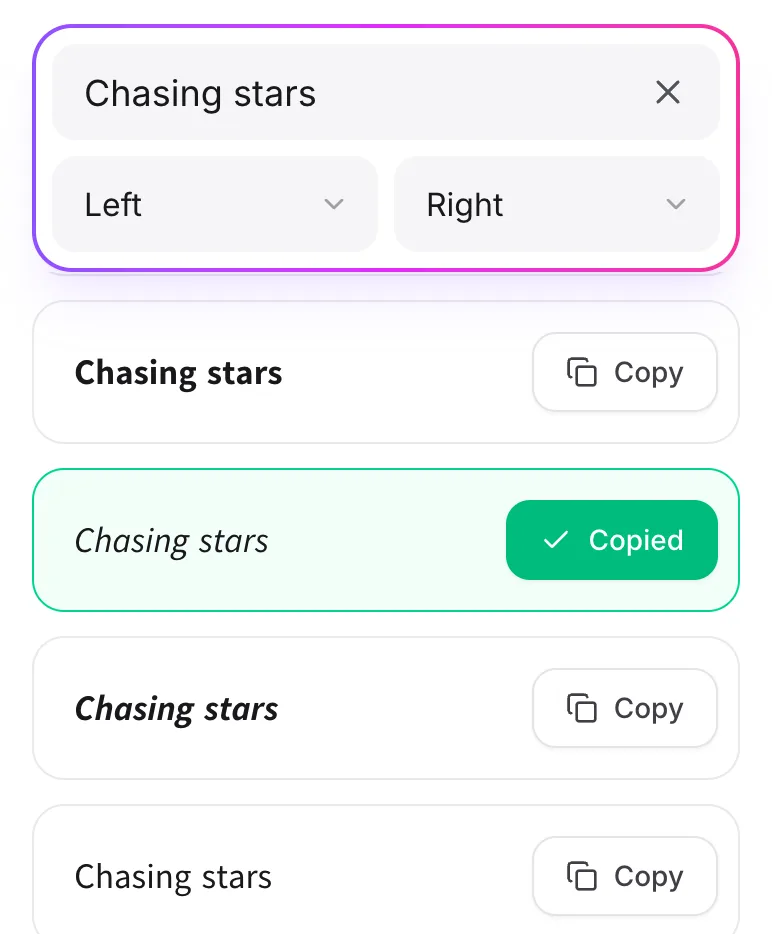
Copy and Paste Text
Found one you like? Tap Copy, then paste it wherever you want.
How Does Our Font Generator Work?
Every letter you type is swapped for a matching Unicode symbol that looks like a different font. It's still plain text, not an image or a font file, so you can paste it almost anywhere.
What Is Unicode?
Unicode is the standard that lets phones, computers, and apps show the same characters. That's why your fancy text looks the same after you paste it. A few rare symbols may show up as empty boxes on older devices, so check how it looks before you post.
How to Change Fonts?
Most apps won't let you change their font, but you can paste text that already looks different. Try a few styles, add decorations or emojis, and copy the one that fits you best.