
What Is the Font Generator for Instagram?
Instagram doesn't let you choose a font for your bio, captions, or comments. This tool gets around that. Type your text and it turns into stylish letters you can paste right into Instagram.
How to Use the Font Generator for Instagram?
-
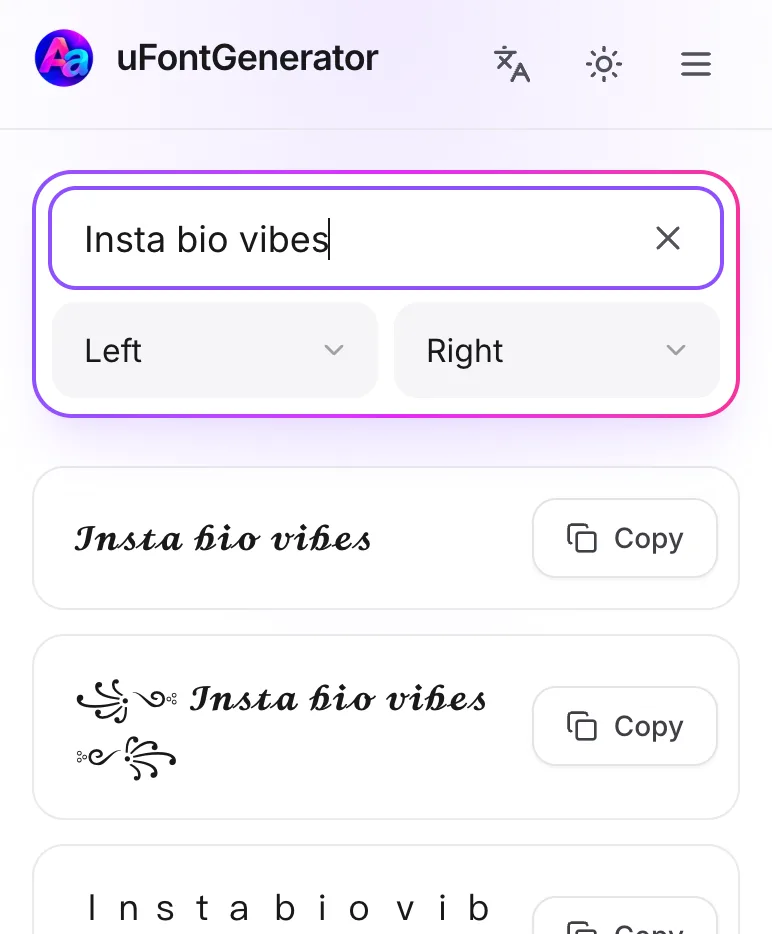
Type Your Text
Type your bio, caption, or comment in the box.
-
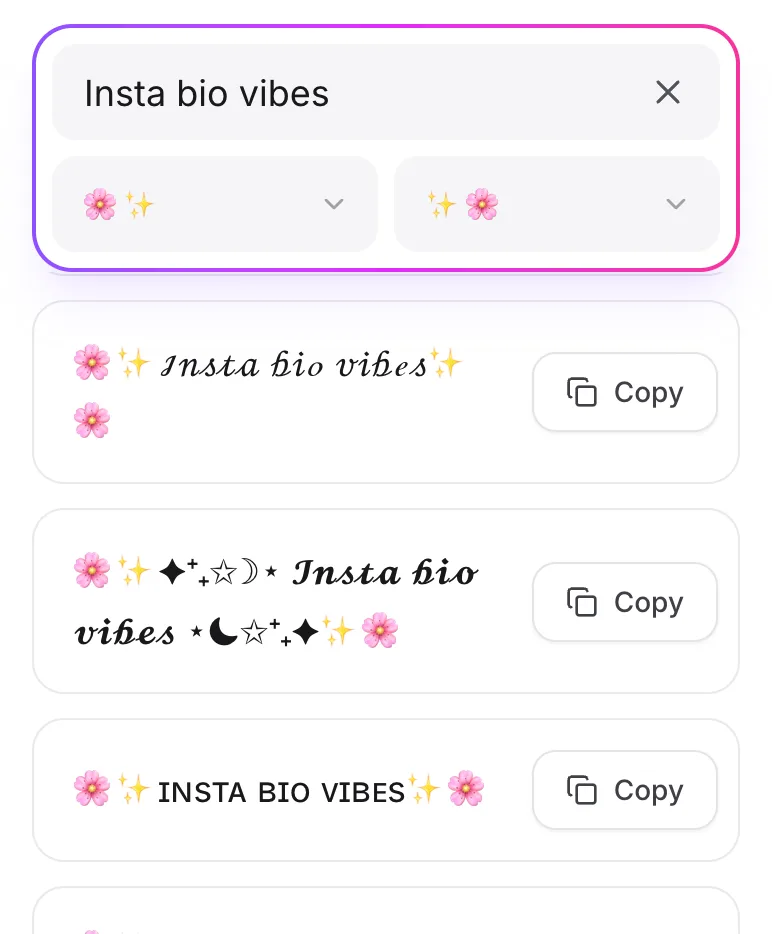
Pick a Style
Scroll through the styles and tap Copy on the one you like.
-
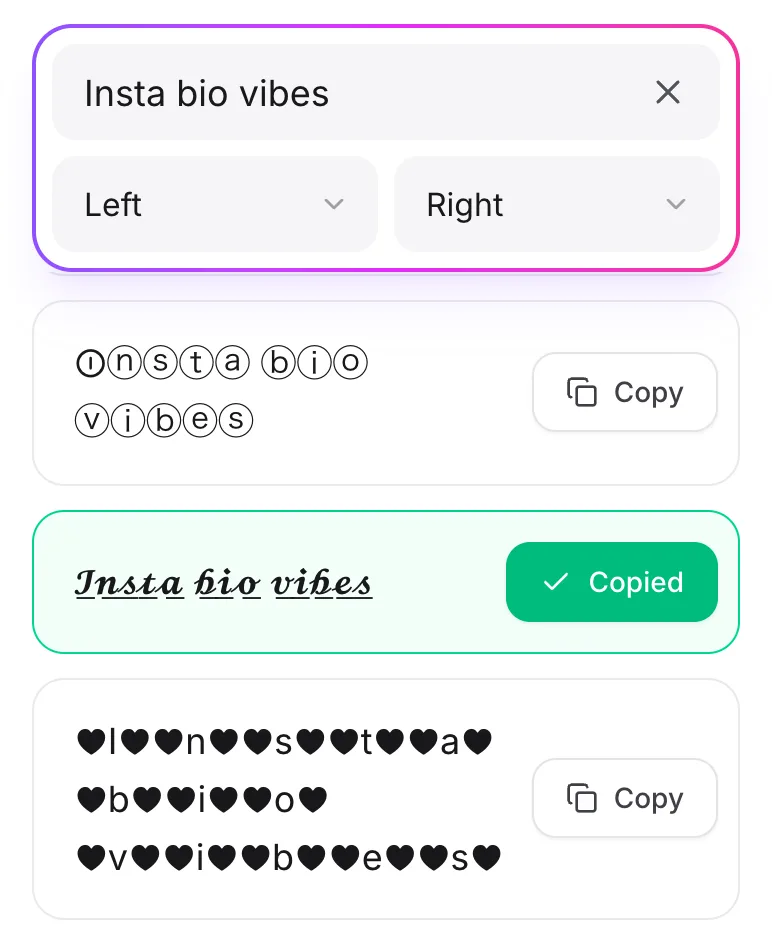
Copy and Paste Text
Paste it into your bio, a post, a story, or a comment.
Why Use Stylish Fonts on Instagram?
- Boost Your Bio: A styled name or bio is easier to notice and remember.
- Spice Up Posts: Make the important words in your captions pop.
- Stand Out Comments: Get your comment noticed in a busy thread.
- Creative Stories: Give the text in your stories a bit more personality.