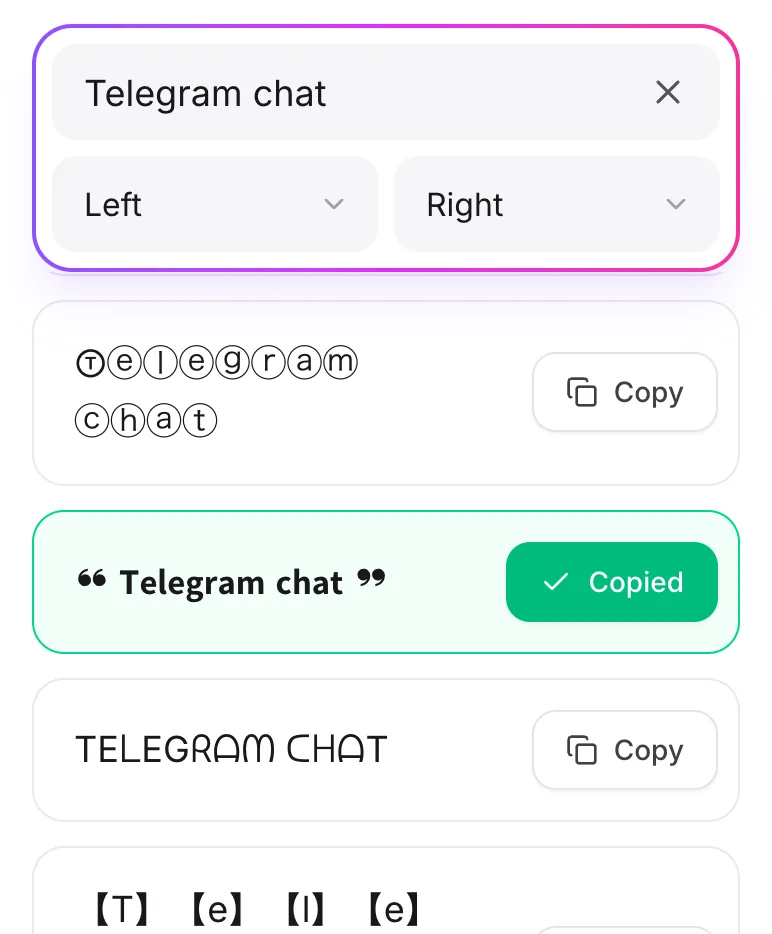
Can Fonts Be Changed in Telegram Chats?
Yes. Telegram doesn't have a font menu, but you can paste text that's already styled, and it shows up in your chats exactly like that.
What Is the Font Generator for Telegram?
It turns your text into fancy styles made from Unicode characters, which Telegram fully supports. Use them in messages, your bio, or channel posts.
How to Use the Font Generator for Telegram?
-
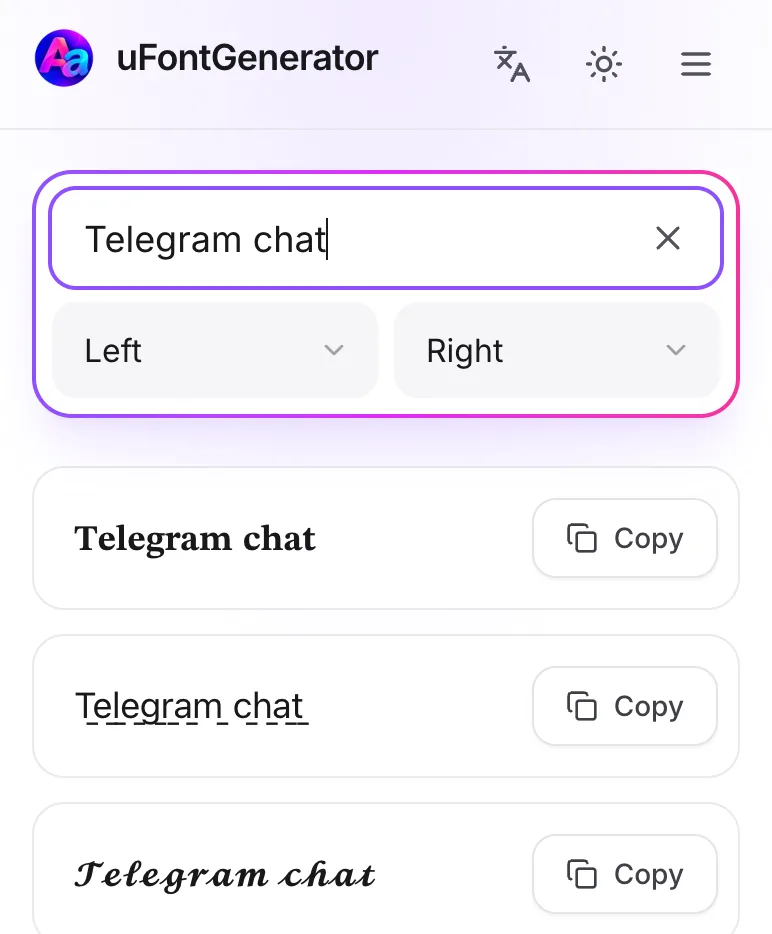
Type Your Text
Type your text in the box.
-
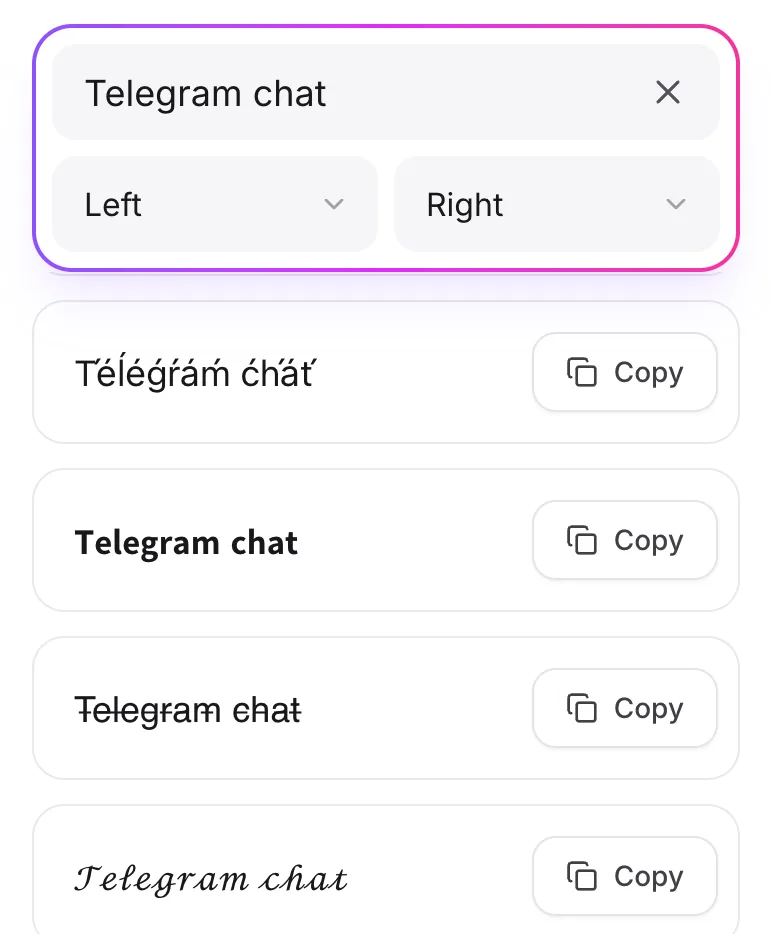
Choose Your Font
Look through the styles and tap Copy on your favorite.
-
Paste in Telegram
Paste it into a chat, a group, or a channel post.