
How Does Name to Symbols Work?
It swaps the letters of your name for fancy Unicode letters and frames them with popular symbols like wings, stars, and crowns. We picked six styles that look great and work in most apps.
How to Turn Your Name into Symbols
-
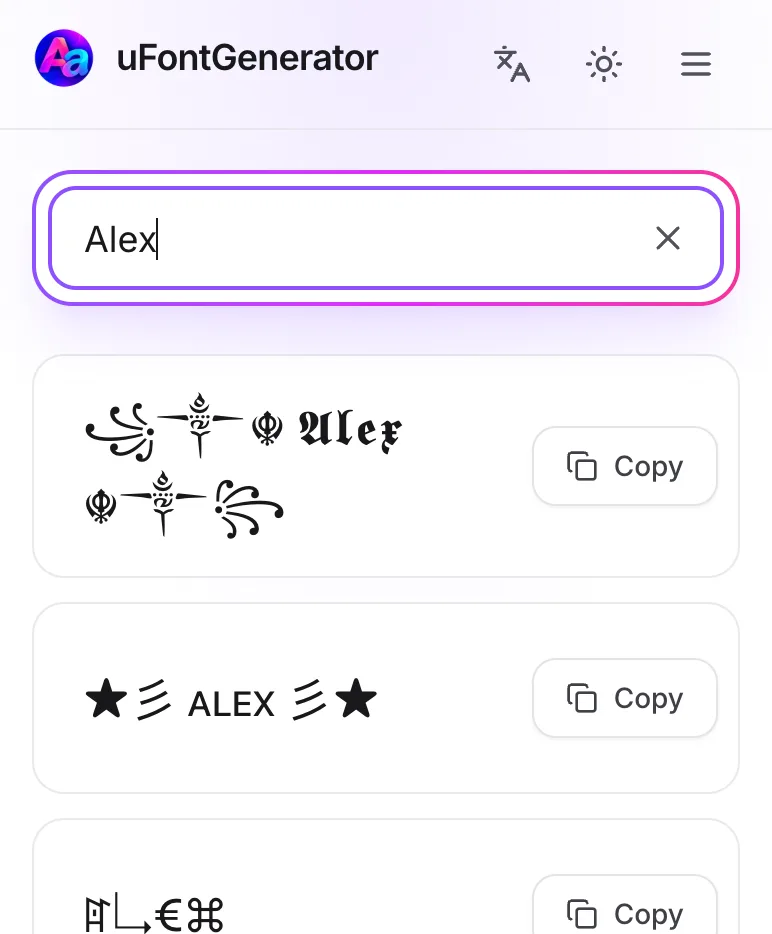
Type Your Name
Enter your name, nickname, or gamer tag.
-
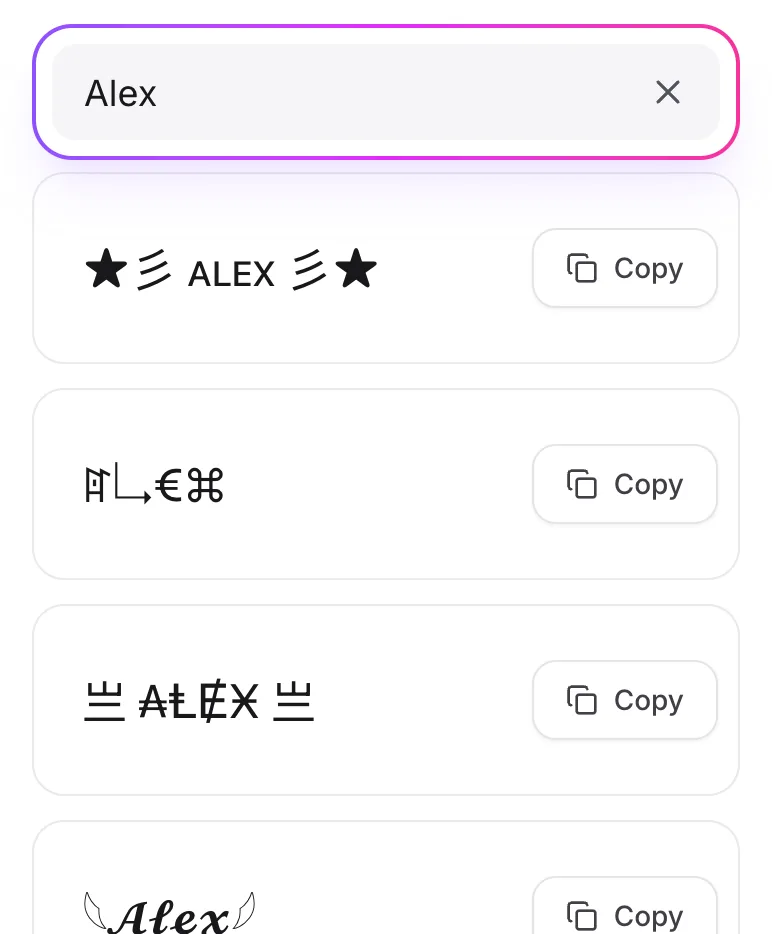
Choose a Style
Compare the six styles and pick the one that feels like you.
-
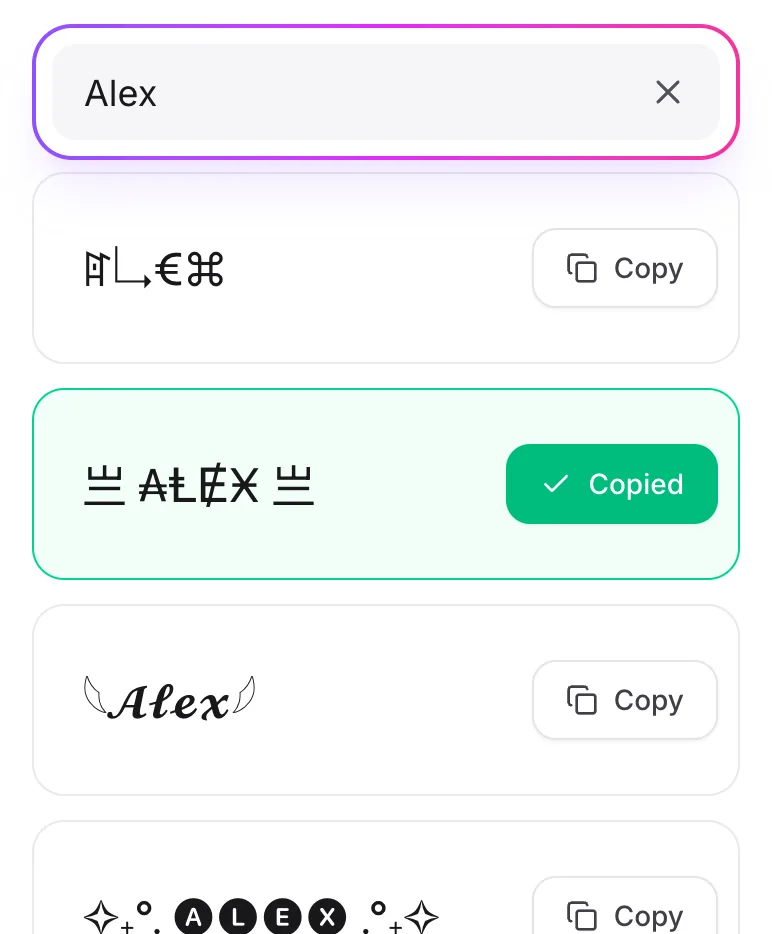
Copy Your Name
Tap Copy and paste it into your profile.
Where Can You Use Your Symbol Name?
As a gamer tag in Free Fire, PUBG, or Fortnite, as your Instagram or TikTok name, or as a Discord nickname. Some games limit special characters, so check that your name fits.