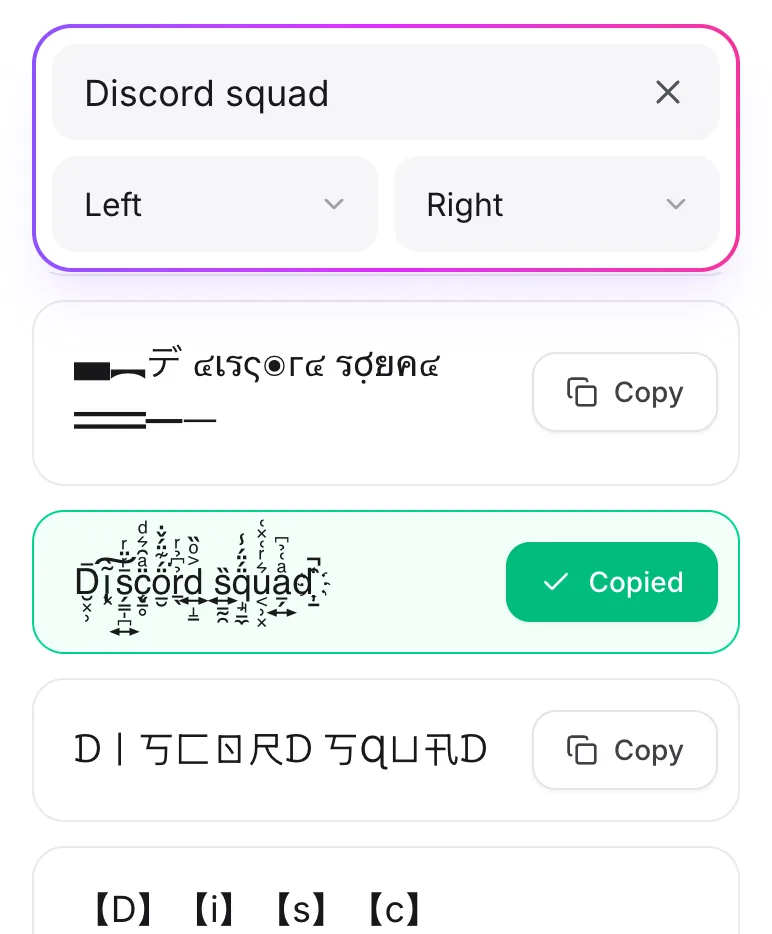
How To Customize Font on Discord?
Discord doesn't have a font picker, but you can still write in different styles. Type your text here, copy a style, and paste it into any chat.
What Is the Font Generator for Discord?
It's a free tool that turns plain text into fancy styles you can copy and paste. It's great for nicknames, server names, and messages that stand out.
How To Use Font Generator for Discord?
-
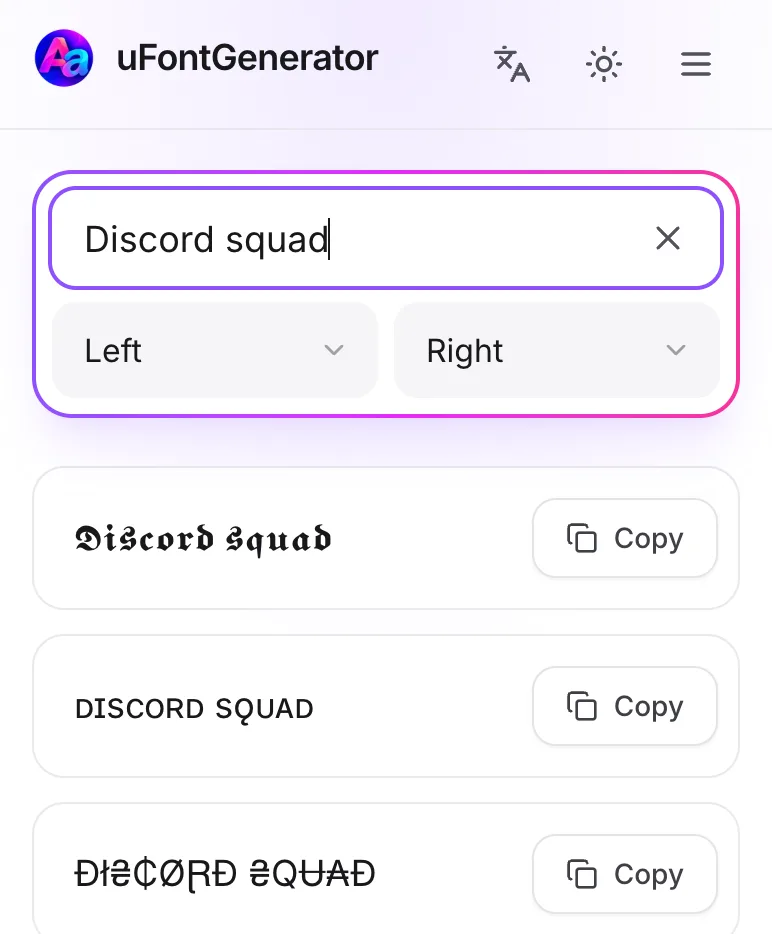
Enter Your Message
Type your message or nickname in the box.
-
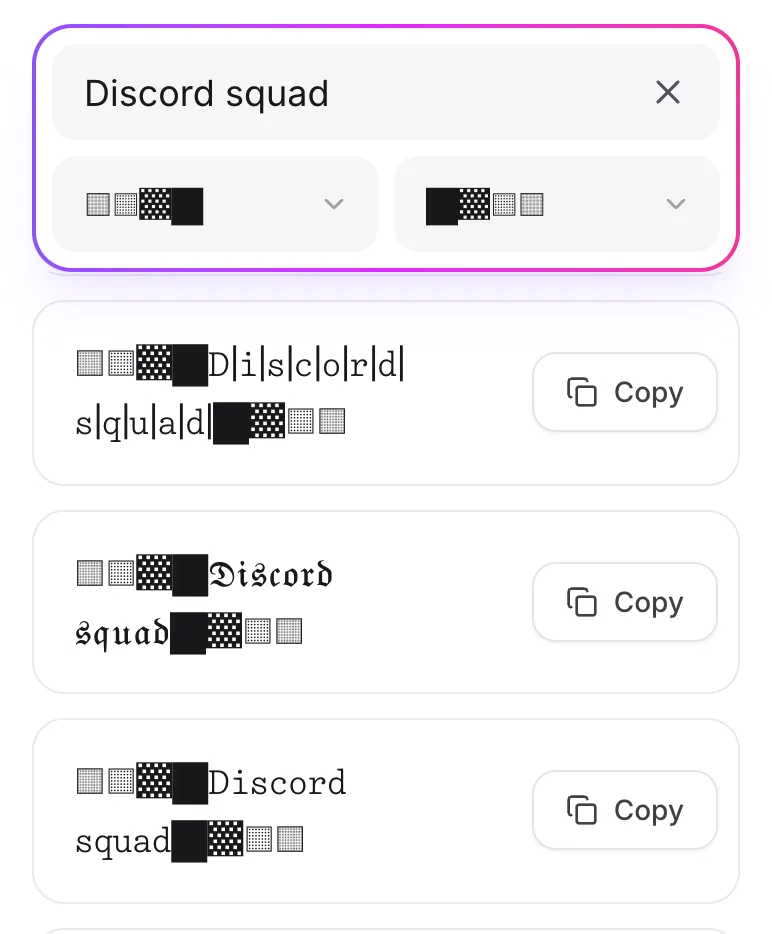
Pick a Font
Scroll through the styles and find one you like.
-
Copy and Paste
Tap Copy and paste it into a chat, a DM, your nickname, or a channel name.